Reaching a friend across town or chatting with a station up on a mountain using nothing but a 5-watt handheld sounds like magic. The quiet workhorse that makes it possible is the repeater. For many newly licensed hams, the very first QSO happens through one. In this article we look at how repeaters work, how to program your radio, and the etiquette that keeps a shared repeater pleasant for everyone.
ℹ️ In this article
What Is a Repeater and Why Do We Need One?
VHF and UHF signals mostly travel by line of sight. Put a hill, a few tall buildings or simply the curvature of the Earth between two handhelds and the range often shrinks to a few kilometres. A repeater is an automatic station, usually installed on a hilltop, tower or rooftop, that listens on one frequency and simultaneously retransmits what it hears on another.
Because it sits high up, the repeater can "see" both you and the other station, turning a link that would be impossible between two handhelds into one that can span tens of kilometres. A typical repeater is built from:
- Receiver and transmitter: two units (or one full-duplex radio) that can listen and transmit at the same time.
- Duplexer: a set of very sharp filters that lets a single antenna be used for both receive and transmit without the transmitter deafening the receiver.
- Controller: the brain that keys the transmitter, sends the station ID (often in CW), and runs the time-out timer.
- Antenna and mast: the most important part for coverage. Height is worth far more than watts here.
Shift, Offset and Tones: The Basics
The trick to using a repeater is making your radio transmit and receive on different frequencies. The repeater listens on its input (where you transmit) and transmits on its output (where you listen). The difference between them is called the shift or offset.
Typical settings by band
The IARU Region 1 band plan, which covers Türkiye, defines typical repeater segments. Individual repeaters can still differ, so always check a current listing before you key up.
| Band | Typical output range | Shift | Note |
|---|---|---|---|
| 2 m (VHF) | 145.600 – 145.7875 MHz | −600 kHz | 12.5 kHz channel spacing |
| 70 cm (UHF) | 438.650 – 439.425 MHz | −7.6 MHz | Local practice may vary |
For a 2 m repeater with an output on 145.700 MHz, you tune the radio to 145.700 MHz, set the shift direction to − and the offset to 0.600 MHz. When you press PTT the radio automatically transmits on 145.100 MHz.
Why the CTCSS tone?
Many repeaters require a sub-audible tone (CTCSS) so that random noise or distant stations don't key them up by accident. It is a low-frequency tone mixed under your voice, such as 88.5 Hz or 123.0 Hz, that you barely notice. Transmit without it on a toned repeater and the machine simply ignores you, with no error shown on your radio. Some repeaters instead use a short 1750 Hz tone burst for access. The repeater's published details will tell you which one applies.
Programming Your Radio, Step by Step
Most modern handhelds let you do this from the front panel. In the long run, though, a programming cable and software such as CHIRP make filling the memory channels much easier.
- Get the repeater details: output frequency, shift direction and amount, and the CTCSS tone if needed. Your local club or national society listings, such as those from TRAC, are a good place to start.
- Switch to VFO mode and enter the output frequency.
- Set the shift direction (+ or −) and the offset. Many radios have an automatic repeater shift (ARS) feature, but double-check it.
- Set the tone mode to "TONE" (encode only) and pick the right CTCSS frequency. Unless you know the repeater sends a tone back, don't enable tone squelch (TSQL) on receive.
- Use the reverse button to listen on the input. If you can hear the other station directly, move to a simplex frequency and free up the repeater.
- Save it to memory and name the channel after the repeater or its callsign.
💡 Tip
Tip: when trying a repeater for the first time, give it a quick key-and-release. Most repeaters leave a short carrier "tail" or a courtesy beep when you unkey. If you hear it, you're getting in.
Repeater Etiquette
A repeater is a shared resource. Only one person can talk at a time, and a single long QSO can tie it up for everyone. A few simple habits go a long way:
- Listen first: never key up without checking the frequency is clear. To join an ongoing conversation, wait for a gap and just give your callsign.
- Identify: give your callsign at the start and end of a contact, and at regular intervals during long ones. Even a quick test needs an ID.
- Keep it short: most repeaters have a time-out timer. Long monologues trip it and make it hard for others to break in.
- Pause before you reply: wait a second or two after the other station unkeys. That gap lets someone with urgent traffic get in.
- Emergencies come first: if someone breaks in with emergency traffic, stop your QSO and clear the frequency immediately.
- Don't feed the trolls: responding to deliberate interference only makes it worse. Report it to the repeater trustee or your club instead.
- Learn the local customs: many repeaters host weekly nets or have their own habits, and listening is the best way to pick them up.
Common Problems and Fixes
Most first-time repeater troubles come down to a handful of settings:
| Symptom | Likely cause | Fix |
|---|---|---|
| I hear the repeater but can't open it | Missing or wrong CTCSS tone, wrong shift | Recheck tone and offset |
| It opens but my audio is noisy | Marginal signal, poor antenna | Try a better antenna or move location |
| I hear nothing at all | TSQL enabled on receive, wrong frequency | Turn off receive tone squelch, verify frequency |
| The repeater drops mid-sentence | Time-out timer | Shorter overs, unkey more often |
The stubby "rubber duck" antenna that ships with most handhelds is usually the weakest link. A slightly longer whip or a vehicle-mounted mobile antenna can noticeably improve your access to repeaters at the same power. Make sure the antenna's SWR is reasonable, too.
Beyond the Basic Repeater: Linked Systems
Today many repeaters are more than standalone analog FM machines. Some are linked over the internet into nationwide or even worldwide networks: EchoLink-connected analog repeaters, and digital repeaters for DMR, D-STAR and System Fusion are all examples. The digipeaters used in APRS are a special kind of repeater that relays packet data. Once you're comfortable with analog repeaters, stepping into these systems is much easier.
Keep in mind that repeaters are usually built and maintained by clubs and volunteer hams on their own budgets, with real costs for power, maintenance and site rental. Joining or supporting the club behind the repeater you use most is the best way to keep that infrastructure on the air.
Summary
A repeater is a shared station that multiplies your VHF/UHF range. To use one you only need its output frequency, shift direction and amount, and the CTCSS tone if required. Listening first, identifying, keeping overs short and pausing before you reply are the marks of a good repeater operator.
Which repeater did you make your first contact through? Share your favourite local repeaters and any memorable stories in the comments. 73!
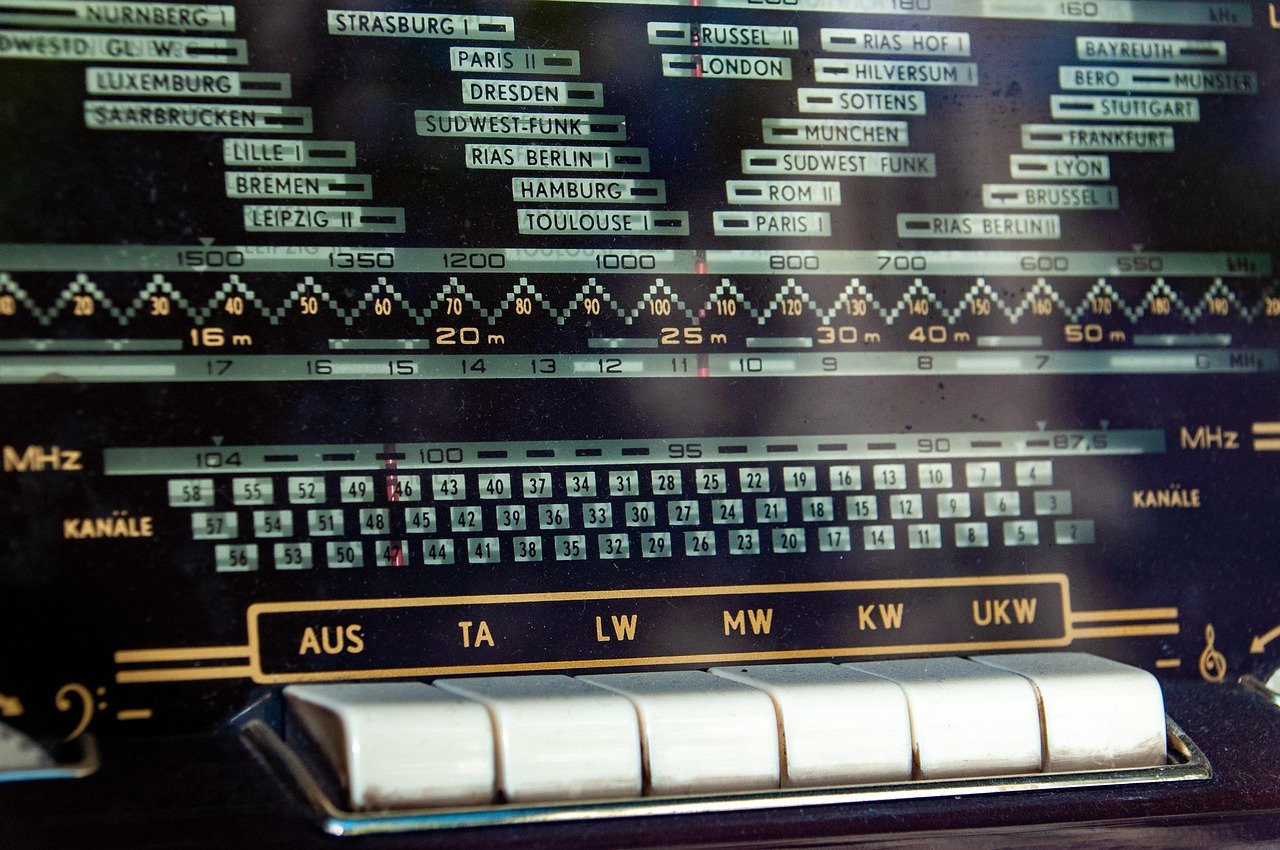
Cover photo: wal_172619 / Pixabay